JD Ultra Login Guide: How to Sign In and Secure Your Account
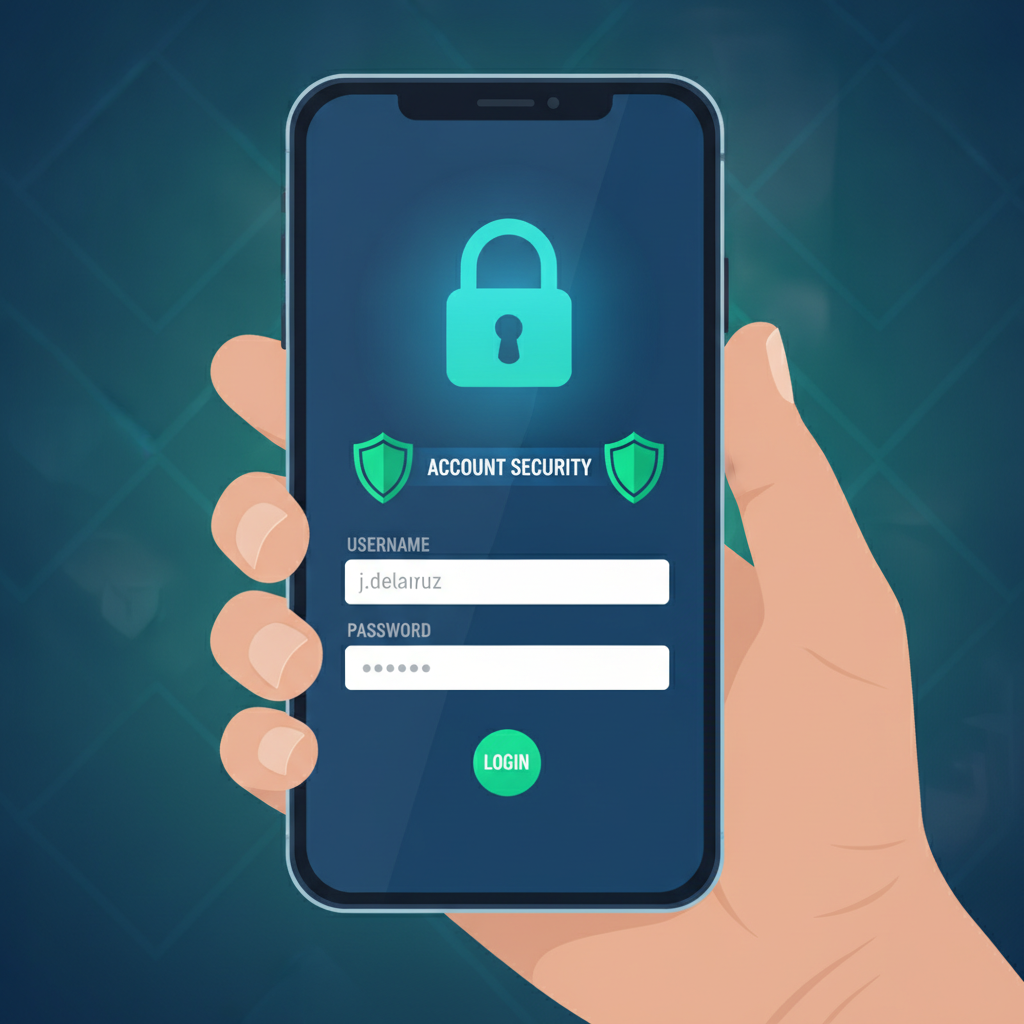
Where to Find the JD Ultra Login Page
JD Ultra provides a login button on both its mobile site and desktop version. Most Filipino players access the platform through their Android phones, so the mobile flow is straightforward.
On mobile browsers, open your Chrome, Firefox, or default browser and visit the JD Ultra homepage. Look for the "Login" button at the top-right corner of the screen. The button is usually highlighted in a contrasting color—often green or orange—so it stands out against the site header. Tap it to open the login form.
On desktop or laptop, navigate to the JD Ultra website. The "Login" link sits in the upper-right section of the homepage, beside the "Register" or "Sign Up" button. Click it to launch a pop-up or redirect to the login screen.
Some players bookmark the direct login page URL for faster access. If you've already registered, you can save the link to your mobile home screen or browser favorites to skip the homepage step next time.
JD Ultra does not require a separate app download to log in. The mobile browser version works fully on Android phones, so you can start playing slots, live dealer games, or place bets on PBA and NBA matches without installing anything.
Entering Your Username and Password Correctly
Once the login screen appears, you'll see two fields: one for your username or registered mobile number, and one for your password.
Username field: JD Ultra typically accepts either the username you chose during registration or the mobile number linked to your account. Double-check for typos—extra spaces, missing digits, or switching letters can block access. If you used your phone number (for example, 09171234567), enter it exactly as you did when you signed up. Some platforms add a country prefix automatically; others expect you to type +63 or simply start with 09.
Password field: Passwords are case-sensitive. If your password includes uppercase letters, numbers, or symbols, make sure your phone keyboard is set to the correct mode. A common mistake is tapping Shift once when you meant to lock caps, or forgetting that the numeral "1" is different from the lowercase letter "l."
After filling in both fields, tap or click the "Login" or "Sign In" button. If your credentials are correct, JD Ultra will load your account dashboard, where you can check your peso balance, browse slots and jackpot games, join live dealer tables, or head to the sportsbook for volleyball, PBA, or NBA betting.
If an error message appears—such as "Incorrect username or password"—review each field carefully before trying again. Three or more failed attempts may temporarily lock your account for security reasons.
What to Do If You Forget Your Login Details
Forgetting your password or username is common, especially if you registered weeks ago and haven't logged in recently.
Resetting your password: On the JD Ultra login screen, look for a link labeled "Forgot Password?" or "Reset Password." Tap or click it. You'll be asked to provide the mobile number or email address you used during registration. JD Ultra will send a one-time password (OTP) or reset link via SMS or email. Check your inbox or messages folder—sometimes OTPs arrive within seconds, but network delays can take a few minutes.
Enter the OTP on the next screen, then create a new password. Choose something secure but memorable: mix uppercase and lowercase letters, add at least one number, and include a symbol if allowed. Avoid using "password123" or your birth year—simple combinations are easy targets.
Recovering your username: If you can't remember your username, check any confirmation email or SMS JD Ultra sent when you first registered. Your username may be listed there. Alternatively, contact JD Ultra customer support through live chat or the help section. Provide your registered mobile number and any other details they request (such as your full name or recent deposit reference) to verify your identity. Support agents can remind you of your username or help you regain access.
Account locked after multiple failed logins: If you've entered the wrong password too many times, JD Ultra may lock your account temporarily—usually for 15 to 60 minutes. Wait for the cooldown period, then try again. If the lock persists or you suspect someone else attempted access, reach out to support immediately.
Two-Factor Authentication and Account Security Tips
Securing your JD Ultra account protects your peso balance, personal information, and transaction history. Because deposits and withdrawals run through GCash, Maya, and bank transfers over InstaPay and PESONet, a compromised account could lead to unauthorized access to linked wallets.
Enable two-factor authentication (2FA): Some online casino platforms offer 2FA, which requires a second verification step after entering your password—usually an OTP sent to your mobile number. Check JD Ultra's account settings or security section to see if this feature is available. Activating 2FA means even if someone guesses your password, they can't log in without the code sent to your phone.
Use a strong, unique password: Avoid reusing the same password across multiple sites. If a password leaks from an unrelated service, attackers may try it on your JD Ultra account. Consider using a password manager app to generate and store complex passwords securely.
Log out on shared devices: If you sign in on a friend's phone or a public computer, always log out when you finish. Staying logged in leaves your account open to anyone who uses that device next.
Keep your mobile number and email up to date: JD Ultra uses your registered contact details to send password resets, deposit confirmations, and security alerts. If you change your SIM or email, update your account information right away. An outdated number means you won't receive OTPs or recovery codes.
Beware of phishing links: Only log in through the official JD Ultra website. Scammers sometimes send fake SMS or Facebook messages with look-alike URLs to steal usernames and passwords. Double-check the domain before entering any credentials. Bookmark the real site or type the URL manually instead of clicking random links.
Monitor your account activity: Regularly review your transaction history and betting records inside your JD Ultra dashboard. If you notice unfamiliar deposits, withdrawals, or bets you didn't place, contact support immediately and change your password.
Set deposit and time limits: Many platforms let you cap daily or weekly deposits and set session time reminders. These tools help you stay in control, especially if you're new to online slots, live dealer games, or sports betting.
Why Login Security Matters for Filipino Players
Filipino players often link e-wallets like GCash and Maya directly to their casino accounts for fast deposits starting at PHP 100. A weak password or unprotected account can expose not only your gaming balance but also your linked financial services.
JD Ultra stores personal data required for account verification—such as your full name, birth date, and valid ID. Keeping your login credentials secure helps protect this information from unauthorized access.
If you share a household or frequently connect to public Wi-Fi in Metro Manila coffee shops or provincial internet cafés, extra caution is essential. Avoid logging in over unsecured networks whenever possible. If you must use public Wi-Fi, consider a VPN service to encrypt your connection, though most casual players on mobile data face lower risk.
Responsible Gambling Reminder
JD Ultra is for players aged 21 and over only. Online casino games, sports betting, and lottery draws are forms of entertainment that carry financial risk. Set a budget before you play, and never bet more pesos than you can afford to lose.
If you feel gambling is affecting your finances, relationships, or mental health, take a break. Many platforms offer self-exclusion tools that temporarily block account access. Seek support from trusted friends, family, or professional counseling services if needed.
Gambling should remain fun. Play responsibly, protect your account, and enjoy slots, live dealer tables, PBA and NBA betting, bingo, and jackpot games within your limits.
Next steps: Once you've logged in and secured your JD Ultra account, you're ready to explore the platform. Check your peso wallet balance, browse the slots lobby, try a live dealer table, or place your first sports bet on volleyball, PBA, or NBA. Keep your login details private, enable any available security features, and remember to log out on shared devices. For help with your first deposit, ID verification, or understanding minimum bets and odds, visit other guides on this site tailored for beginners in the Philippines.